
Welcome

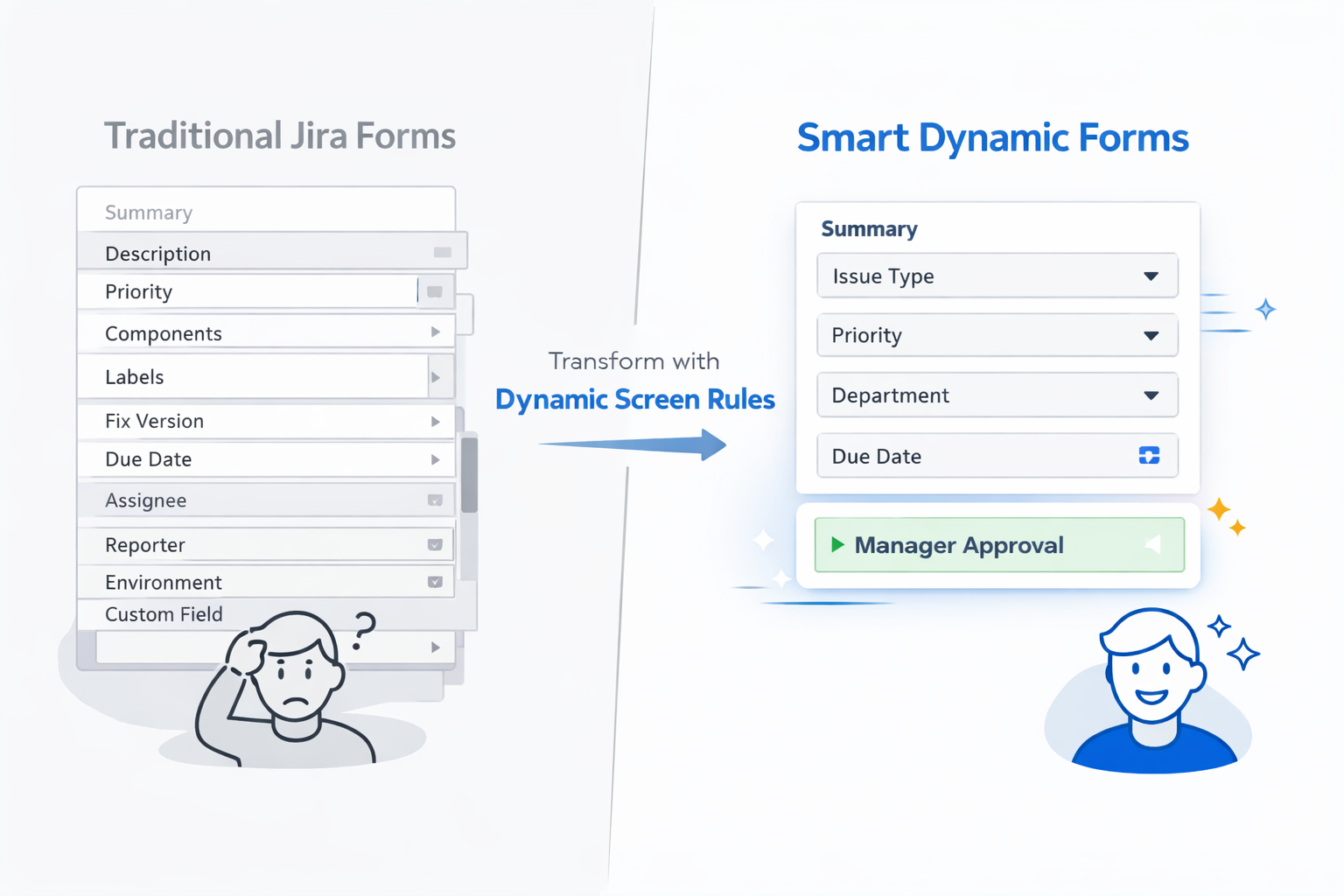
Transform Cluttered Jira Forms Into Smart, Focused Interfaces
Dynamic Screen Rules lets you create intelligent Jira screens that adapt to your users' needs — without writing a single line of code. Show and hide fields, make them required or optional, lock them based on conditions, and pre-fill values automatically.
Ready to create your first rule? Our Quick Start Guide will have you up and running in under 10 minutes — no technical expertise required!
See It In Action
Watch how easy it is to create your first rule and see fields adapt in real-time. This 30-second demo shows you everything you need to know to get started.
Managing fields dynamically is this easy. Want more examples? Check out our Use Cases & Examples section for ready-to-use configurations you can copy and adapt.
Why Teams Choose Dynamic Screen Rules
✓ Reduce form complexity — Show only relevant fields based on issue type, status, user role, or any field value
✓ Save time and reduce errors — Pre-fill values, enforce conditional requirements, and guide users through the right workflow
✓ No coding required — Create powerful rules through an intuitive visual interface that anyone on your team can use

Welcome to the Dynamic Screen Rules documentation. This comprehensive guide will help you create smarter, more efficient Jira screens through conditional field behavior.
What You'll Find Here
This documentation covers everything you need to know about Dynamic Screen Rules, from initial setup to advanced use cases:
Overview
Learn what Dynamic Screen Rules is, who it's for, and how it goes beyond native Jira capabilities.
Getting Started
Quick start guide to create your first rule in under 10 minutes, plus key concepts to understand the app.
Understanding Rules
Deep dive into how rules work, where they apply, and the different types of conditions you can use.
Configuration Guide
Step-by-step instructions for creating and managing rules, defining conditions and actions.
Use Cases & Examples
Real-world examples you can copy and adapt, from progressive disclosure to role-based visibility.
Field Support & Limitations
Reference documentation on which field types are supported and known platform limitations.
Best Practices
Guidelines for designing effective rules, organizing them, and avoiding common pitfalls.
Support & Community
How to get help and provide feedback.
Quick Links
Dynamic Screen Rules - Smarter Jira screens through conditional field behavior.
Last updated